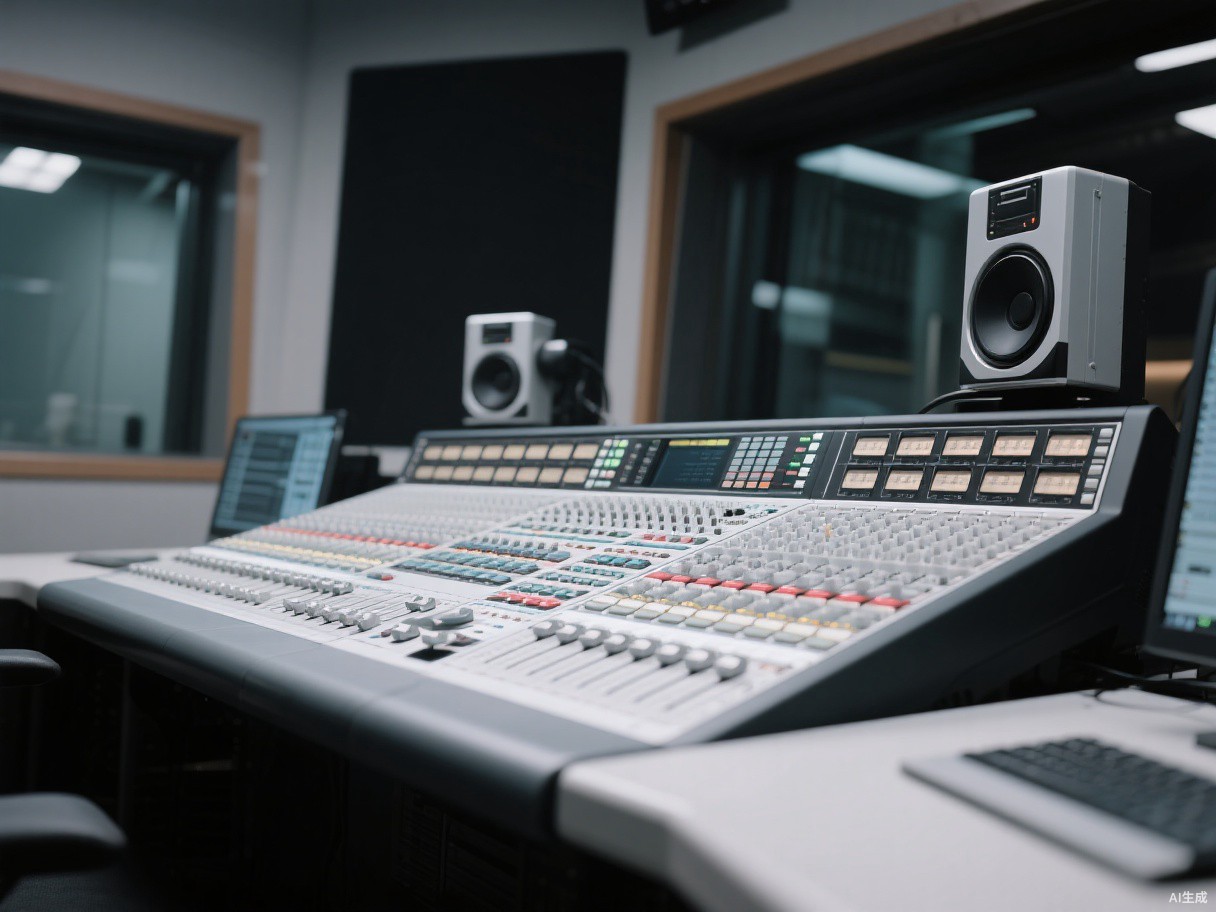
Digital Console Buying Guide: Channels, Networking and Show Files
A practical checklist for buying a used digital mixer for a venue, church or rental inventory.
Count channels honestly
Manufacturers count inputs, mixes and matrix outputs differently. Write down what you actually need: live inputs, monitor sends, recording splits and spare channels. Then check the console's real channel count at the sample rate you plan to use. A 48-channel desk can drop to 32 channels at a higher sample rate on some models.
Networking and option cards
Dante, MADI and stagebox compatibility often decide whether a used console fits your system. Confirm which cards are installed, whether they are included in the price, and whether the console can still be updated. A console with an obsolete card can still be useful, but price it as an analogue desk.
Show files and firmware
Ask the seller to export a show file and confirm the firmware version. If the desk has been updated, older show files may need conversion. Check fader response, screen condition and every local input. A missing fader cap is cosmetic; a dead touch strip is not.
Plan for power and spares
Digital consoles are sensitive to voltage and heat. Confirm the PSU type and whether a spare is available. For export, ask for the original packaging or a fitted flight case.
Units mentioned in this guide